Posts
How Vehicle Weighing Saves Fuel and Slashes Emissions
Read More

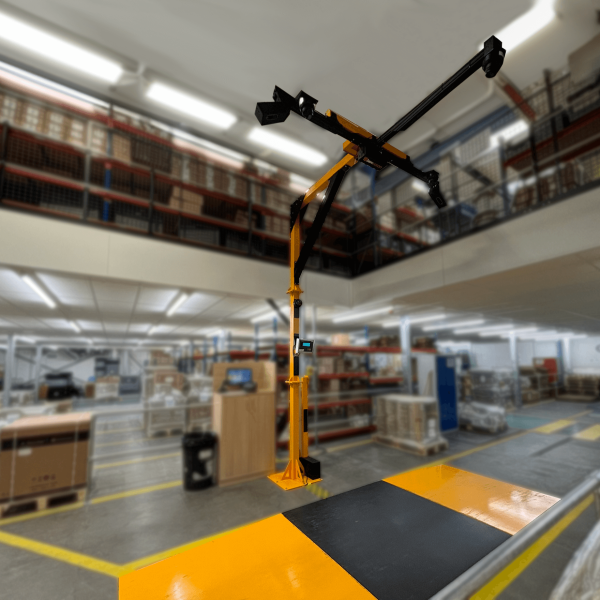
Parcel dimensioners are used in warehouses, logistics centres and fulfilment operations to capture accurate parcel size and weight data. This data improves the necessary processes of shipping calculations, warehouse management systems and automated processes.
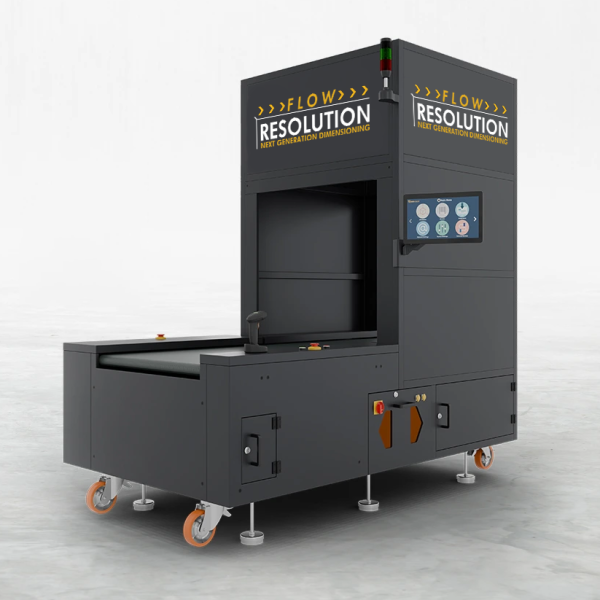
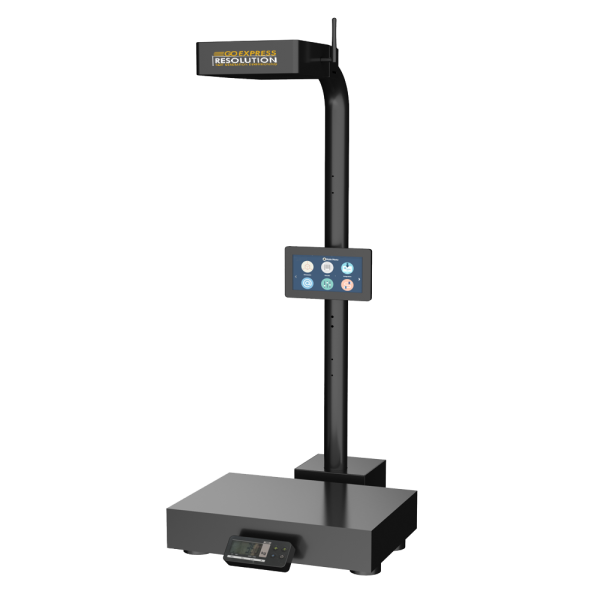
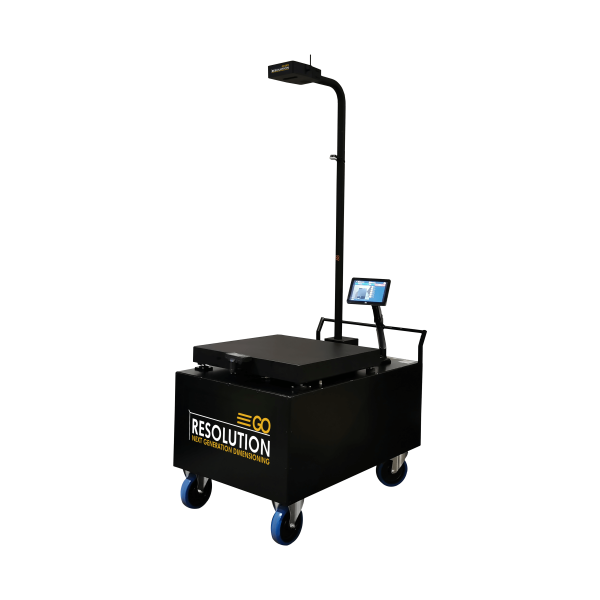
Resolution Dimensioners combine fast dimension capture with weighing, image capture, barcode scanning and label printing to create a complete parcel master data capture solution.
Below are answers to some of the most frequently asked questions about Resolution dimensioning weighing solutions.
Resolution systems are used by logistics and fulfilment operations across the world, with more than 300 installations in over 25 countries.
Customers include organisations such as US Army, DSV, THG, DHL, Skynet, Scott Bikes, Watsons, Aramex, PTT and Logis Express – one of the largest logistics companies in Mexico.
“Our revenue has increased by up to 35%. The machines require little to no maintenance and take around 15 minutes to learn.”
Managing Director, Logis Express
Lead times depend on the system configuration. In most cases, the Resolution camera, barcode reader and label printer (if required) can be supplied within 1–2 weeks.
Yes. Resolution dimensioners are designed to integrate easily with existing systems.
Using our API, your system simply establishes a web service connection with the dimensioner, requests the data and receives a response. This can be implemented quickly using most programming languages.
Our devices can also operate as a client, automatically sending measurement results directly to your database if preferred.
Our team is always available to support integration and provide example code if required.
Yes. Initial remote setup and software support are included as standard. We do not charge additional fees for helping you configure the system during the initial installation stage.
Resolution dimensioners support several trigger methods depending on your workflow:
Yes. A barcode scanner is included with Resolution systems.
You can also set a delay between the scan and the measurement, giving operators time to move their hands out of the measurement area.
When scanning, the barcode ID is displayed on screen and stored alongside the dimensions and weight for traceability.
Yes. Resolution dimensioners are designed to work with weighing systems.
Weight data can be transferred from most scales via RS232, allowing dimensions and weight to be captured together in a single measurement record.
Yes. Resolution can print labels and measurement-based barcodes when connected to a label printer via USB.
Resolution is designed to make accessing data straightforward.
Measurement results can be:
Everything can be accessed directly through your browser. Therefore, no additional software installation is required.
Calibration is quick and straightforward.
Once the device is mounted and positioned above the measurement surface, simply connect to the system via the monitor or a web browser and follow the single-click calibration process described in the user manual.
No additional calibration equipment is required.
In most cases, only once during installation.
Recalibration is only required if the position or mounting height of the dimensioner changes.
Most Resolution models do not need mounting as they are fully self-contained and include either a column or portable trolley. If only the dimensioning camera is being purchased, mounting is very simple. The device includes four screw holes and a connection bracket, allowing it to be mounted to standard industrial profiles or support structures.
We can provide advice on positioning the camera and height requirements if you need.
Our quotation includes the Resolution hardware and all required software licences.
Licences are lifetime licences, so there are no ongoing software fees.
Items typically not included in the standard quote are:
We can supply or quote for these items if required.
Resolution cameras include a 12-month back-to-base warranty, along with unlimited remote software support during the initial setup and troubleshooting period.
Check out the Resolution Dimensioning range here or learn more about how Resolution has improved business operations across many of our customers in our case studies.
If you’re considering a parcel dimensioning system and would like advice on the best setup for your operation, our team will be happy to help.
Get in touch by filling in the form below or contacting us on sales@awmltd.com or 01284 701222 to discuss your requirements or arrange a consultation.